One tap to record
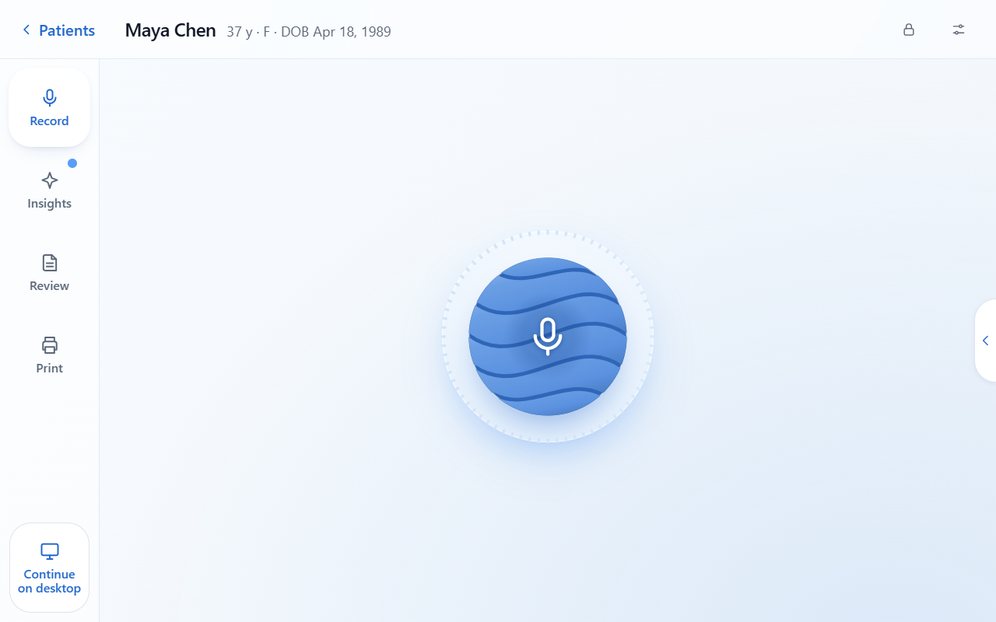
Tap the microphone and talk with your patient. The screen always shows whether it is listening. Prefer to type? Write the note yourself.
Bob Doc One · For home visits and house calls
Bob Doc One is the Bob Doc EMR on one touchscreen. Open the chart at the patient's kitchen table, tap record and talk with your patient. Bob drafts the note, the orders and the forms, and you can review and sign them before you leave.
A 30-minute walkthrough of a complete visit, with time for your questions.
Away from the clinic
A home visit has no front desk, no exam-room computer and often nowhere to set up. Bob Doc One keeps the visit on one touchscreen, so your eyes stay on your patient.
Tap the microphone and talk with your patient. The screen always shows whether it is listening. Prefer to type? Write the note yourself.
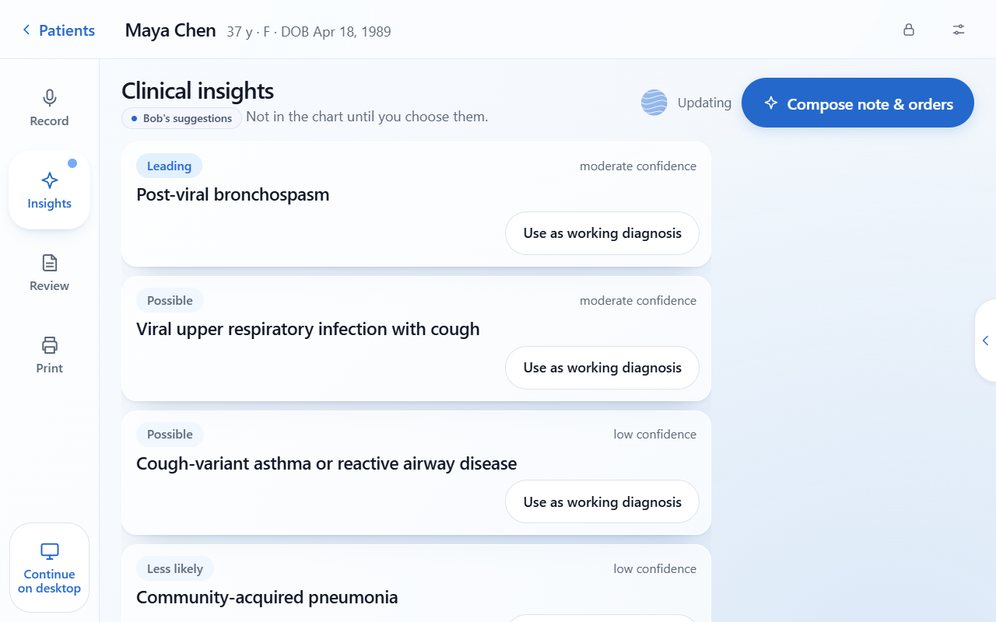
Suggested differentials and questions arrive while you are still with the patient. They stay out of the chart until you choose them.
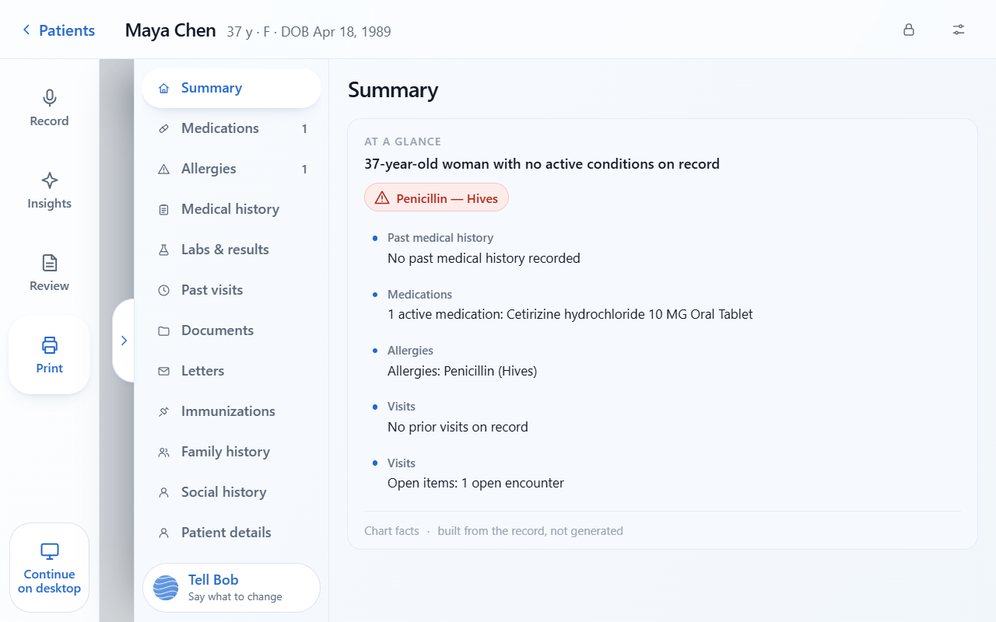
Medications, allergies, history, lab results, past visits and documents slide across any step, even while you record. Change an entry on the spot.
Lab and imaging requisitions, prescriptions and letters are drafted from the visit. Review and sign on the same screen, then text or email them to your patient.
One tap saves the visit for your desktop. Anything too detailed for a small screen opens there exactly as you left it.
The screen locks after a few idle minutes, never during a recording, and the lock screen names no patient.
Bring your home-visit day. Tell us how your visits run and we will walk through one with you.
A home visit in Bob Doc One
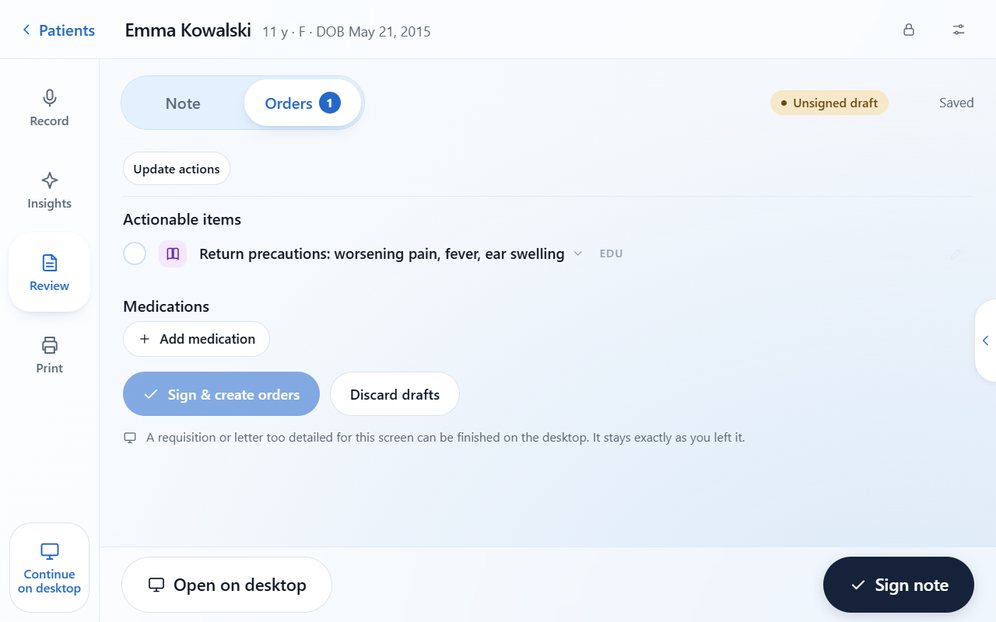
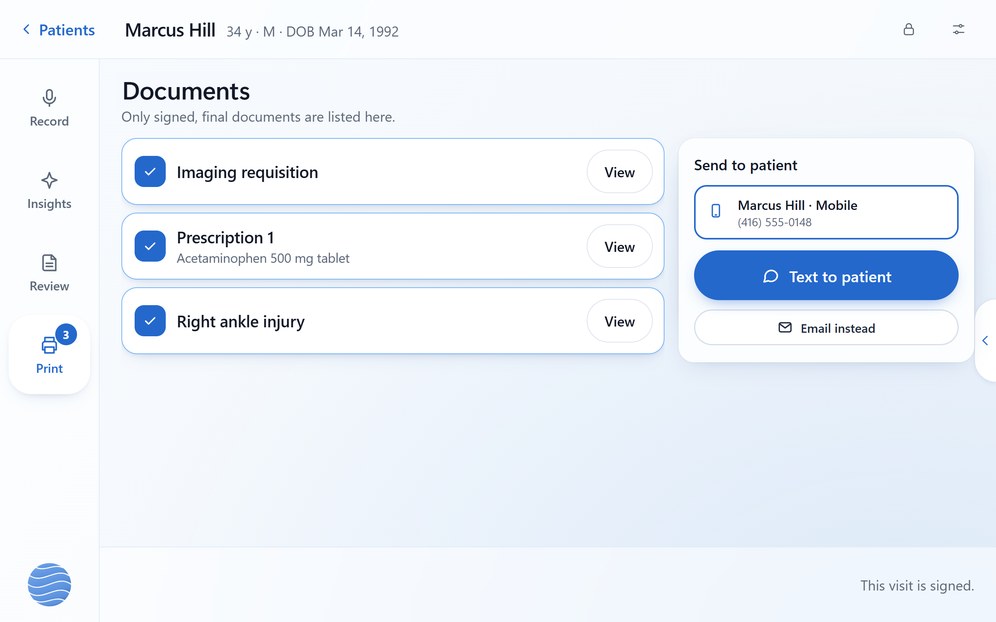
Screens from Bob Doc One, with synthetic patients.
See a home visit, start to finish. A 30-minute demo of Bob Doc One.
The clinician's role
AI in Bob Doc prepares work for you to check. Edit the note, choose your own diagnosis or dictate your own assessment. Prescriptions, requisitions, letters and referrals need your approval and signature.
An approval covers exactly what you reviewed. If the content changes, it comes back to you. Bob's suggestions support your clinical judgement; they never replace it.
If a patient prefers not to be recorded, type the note yourself and the rest of the visit works the same way.
Back at the clinic
Bob Doc One is not a separate system. What you sign on the visit goes into the same patient record your team works in at the clinic.
Notes, orders, documents and referrals from the home visit sit with the rest of the patient's chart, for the whole team.
When you sign a home visit, Bob suggests the billing codes from your note and drafts the claim. You can review and correct it, and your billing staff or a clinic administrator approves it.
Each test you order is tracked until its report is filed, and referrals stay open until the consult report is back.
Do home visits alongside a clinic? See how both fit in one record.
Good questions
The Bob Doc EMR on one touchscreen. It runs a routine visit from start to finish: pick the patient, record, read Bob's suggestions, review and sign. It is designed for a 7-inch screen and uses the same patient record as Bob Doc on the desktop.
Ontario family physicians and walk-in physicians who see patients at home, including practices built around home visits and house calls.
The screens adapt to tablets and phones in the web browser. Tell us which device you would carry and we will go through it in your demo.
Yes. Bob Doc works online, so you need Wi-Fi or mobile data in the patient's home, such as a phone hotspot. If the connection drops, the screen tells you, and a recording in progress is saved as a transcript every 15 seconds.
By text or email from Bob Doc One, once you have signed them, so there is no printer to carry. Everything you sign also stays in the chart, ready to print at the clinic if your patient wants paper.
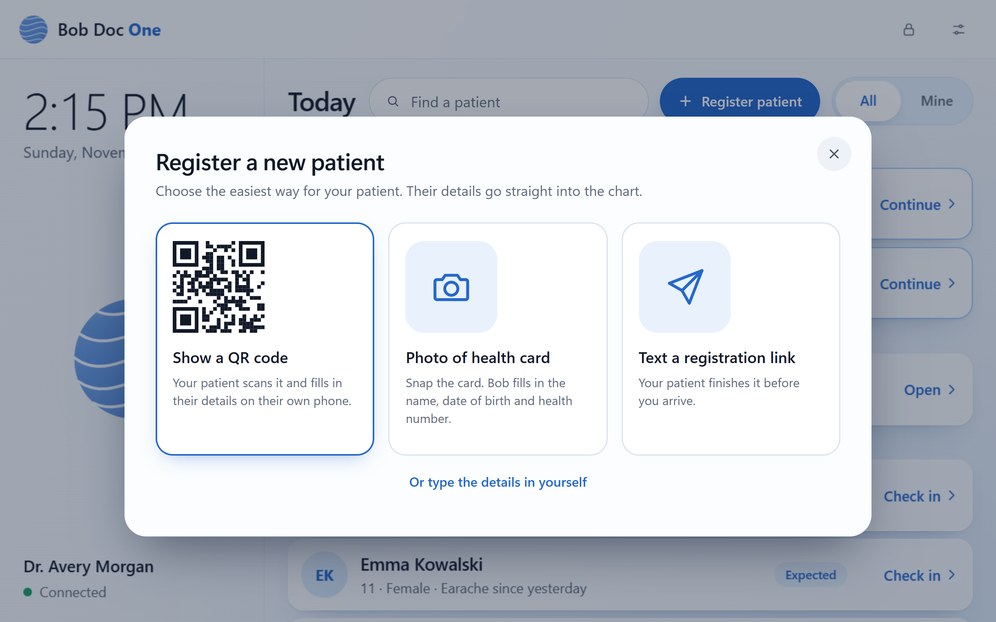
Your team adds them at the clinic, or you add them from Today before you head out. A new patient can register at the door: show them a QR code to fill in on their own phone, take a photo of their health card, or text them a registration link.
Ask first, as you would in the clinic. Ontario guidance from the CPSO and the OMA expects patient consent for recording and clinician review of every AI-drafted note. Bob Doc keeps the transcript, not the audio. If the patient prefers not to be recorded, type the note yourself.
When you sign a home visit, Bob suggests the billing codes from your note and drafts the claim. You can review and correct it, and your billing staff or a clinic administrator approves it. Tell us how you bill home visits and we will walk through it in your demo.
The screen locks itself when idle, the lock screen names no patient, and five wrong unlock attempts sign the device out. Ask us about device setup and management in your demo.
Clinical access requires two-step verification, each team member works under a role, and access to charts and documents is audited. Ask us about hosting, AI processing and data handling in your demo.
Bob Doc is a paid service for clinics. We go through pricing for your clinic in the demo. Ask us about availability and device options at the same time.
About Bob Doc
We are 18269441 Canada Inc. O/A Bob Doc, based in Toronto, Ontario. Requests from this page go straight to our team, and we reply by email to arrange your demo.
See a home visit
Thirty minutes. A complete visit. Your questions.