
A packed schedule can still leave gaps: a missed reminder, a patient waiting at the desk, or a result that needs follow-up. Medical appointment scheduling software can connect booking with the work around each visit. Here are four options for Canadian clinics, with a close look at what each one does and what to check before you commit.
1. Bob Doc
Bob Doc is an AI-powered EMR for clinics that includes online booking and day-to-day schedule management. It’s best suited to Ontario walk-in clinics and family practices that want appointments, patient intake, clinical notes and follow-up work in one record.
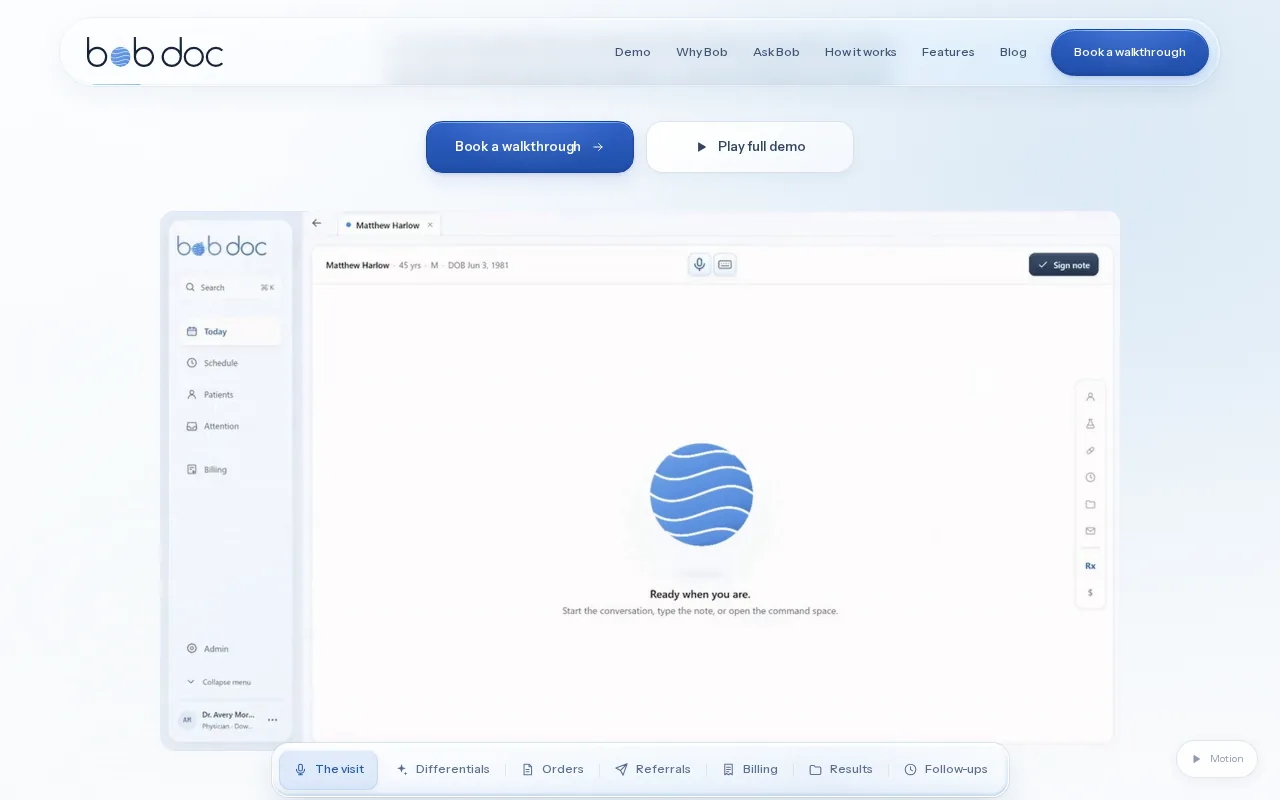
Patients book through a clinic page that can be shared as a link or QR code, or added to the clinic website. They choose a visit type and clinician, then select from actual open times. Clinics can set rules for new patients, choose who may book online and decide whether patients select a clinician or the clinic assigns one.
Patients get text and email confirmations and reminders, with a secure link to confirm, cancel or move an appointment within the clinic’s cancellation window. Before a first visit, they can complete a health questionnaire on their phone. At reception, staff can scan or swipe an Ontario health card to fill in registration details, then check for a possible duplicate chart.
Scheduling connects to clinic flow, too. The live Today board shows who’s expected, waiting, being roomed or ready. Staff can track rooms and clinician zones, while the schedule accounts for clinic hours, time off, visit types, buffers and booking windows. That helps a busy front desk see the day as it changes.
Booking is one part of the workflow. During a visit, Bob uses the chart and live conversation to draft a note and prepare related orders for clinician review. Bob can also track referrals and expected results from the plan. See how the online booking and intake workflow connects arrival steps with a clinic’s schedule.
Bob drafts; the clinician reviews and signs. For a clinic that wants an appointment scheduler connected to its clinical work, that division of responsibility is worth testing in a live demo.
2. PrognoCIS: Scheduling within a connected practice platform
PrognoCIS connects patient registration and scheduling with clinical documentation and billing in one practice platform. It may suit clinics that want to assess appointment booking as part of a broader practice workflow.
Its scheduling features include online appointment scheduling and appointment reminders. That gives patients a way to book and receive appointment prompts, while the clinic can consider how those tasks fit with registration and billing.
The platform also lists EMR and API integrations. For a clinic with existing systems, ask which specific connections are available for your setup. In particular, check how the scheduler exchanges data with the EMR and whether your required lab, imaging or pharmacy connections are supported. A general API mention isn’t a substitute for confirming the exact workflow.
For a useful demo, walk through a routine appointment from booking to check-in. Ask what happens when a patient changes the visit time, needs a reminder, or has an appointment type that affects billing. Then confirm which steps staff must complete by hand.
PrognoCIS is worth considering when a connected registration-to-billing workflow matters alongside online scheduling. Confirm the details against your clinic’s own systems and visit types before making a decision.
3. ModMed: Practice software for specialty workflows
ModMed provides AI-powered EHR, practice management and revenue cycle management software built for 11 medical specialties. It may be a fit for specialty practices that want to assess scheduling within a broader, specialty-focused practice system.
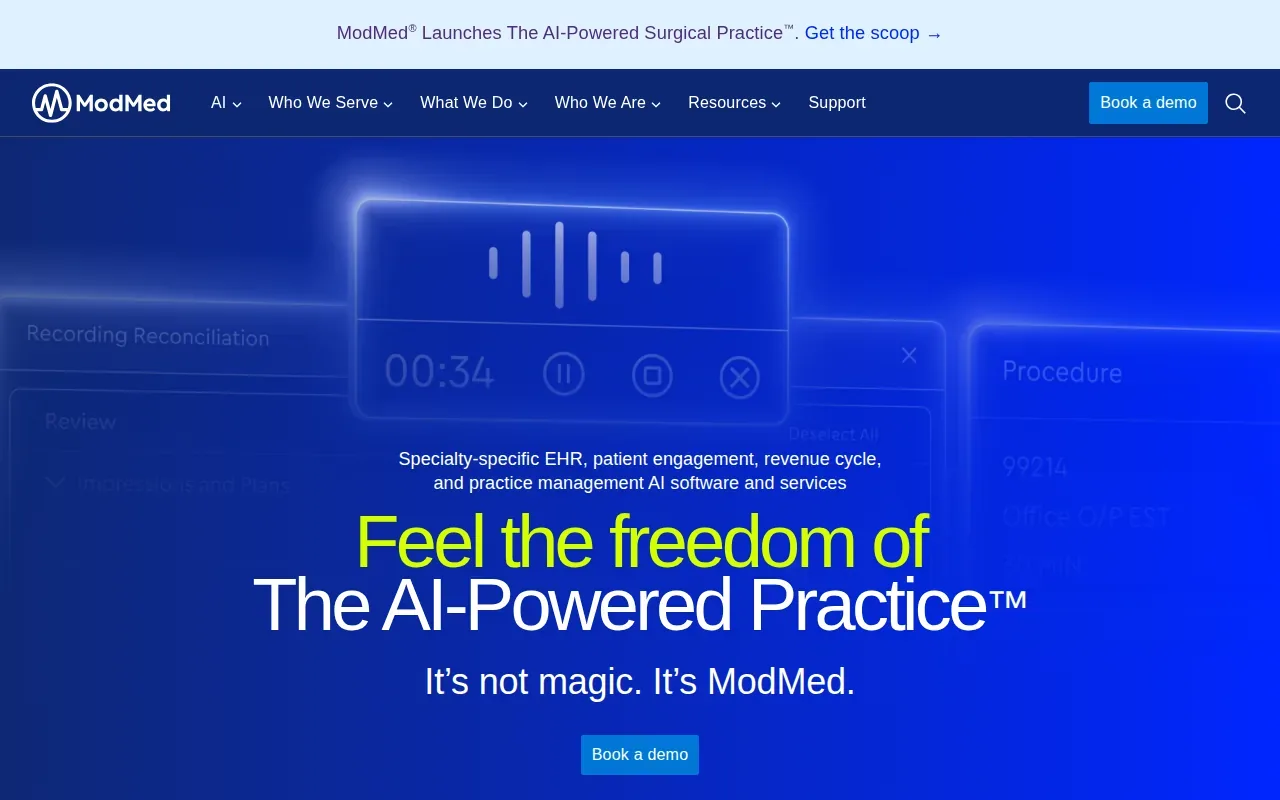
ModMed’s information for mid-size practices describes specialty-specific workflows and support for practices with multiple locations. That context matters when a clinic needs a consistent way to work across sites. In a demo, ask how appointment types and staff roles fit the needs of each location and specialty.
Its product scope includes EHR and practice management software. Ask a staff member who handles the schedule to try a new booking, a change and a cancellation.
Also confirm how patients receive appointment confirmations, whether online booking is part of the setup you’re considering, and how the schedule connects to your existing EMR workflows. If video visits, online payments or repeat bookings matter, make each one a specific demo question.
ModMed’s focus is specialty workflows. Your shortlist should reflect your specialty and site structure, then test the actual scheduling steps your team handles each day.
4. Accuro EMR by TELUS Health: A Canadian EMR to assess
Accuro EMR by TELUS Health is an EMR with scheduling tools that connect appointments to medical billing. It may suit clinics looking to assess a scheduler within an established EMR workflow.

Accuro’s scheduling information describes patient contact and demographic details beside the schedule. It also notes preset procedure-code bundles for common appointment types, which can help staff handle billing steps linked to a visit.
The scheduler includes wait-list management and a traffic manager for patient flow between waiting areas and exam rooms. Accuro also names online booking, appointment reminders, patient messaging and video visits as add-on features that connect with its scheduler.
For a clinic that needs video visits, that stated connection gives you a concrete point to check in a demo. Ask how a patient books a video visit, how the appointment appears to staff and what reminders the patient receives. Then test a wait-list change and see how it affects the day’s schedule.
Accuro’s scheduling tools cover several front-desk tasks. Check how each add-on fits your clinic’s workflow and billing needs before comparing it with an EMR that includes booking in a different way.
Compare the medical appointment scheduling software options
The right fit depends on where your clinic needs the schedule to connect. Compare the work staff do before and after a visit, not only the calendar view.
| Option | Features | Best fit to assess | Check before choosing |
|---|---|---|---|
| Bob Doc | Online booking, reminders, intake, live clinic flow and AI-assisted EMR work | Ontario walk-in clinics and family practices | How booking rules and schedule settings match your clinic |
| PrognoCIS | Online scheduling, reminders, registration-to-billing platform and EMR/API integrations | Clinics assessing scheduling within a connected practice platform | Specific connections and the steps staff handle manually |
| ModMed | AI-powered EHR, practice management and RCM software for 11 specialties; multi-location workflows | Specialty practices assessing a system for more than one site | Booking, reminders and calendar tasks in a live demo |
| Accuro EMR by TELUS Health | Scheduling linked to billing, wait lists, traffic management and connected add-ons | Clinics assessing scheduling within an EMR workflow | How add-ons, video visits and billing fit your day |
Use the same test with each vendor: book a patient, change the visit, send a reminder and check the staff view. If your clinic uses repeat visits, ask how those are set up. If you need video visits, online payments or links to imaging and pharmacy systems, ask the vendor to show the exact connection rather than relying on a broad feature label.
Also ask how the system handles shared calendars, more than one location and schedule reporting. For no-show prevention, find out whether reminders can follow your clinic’s rules and whether the system can identify patterns that staff can act on. Treat AI-based prediction as a claim to demonstrate, not a feature to assume.
Compare the full cost of the setup you need. Ask for pricing that includes required add-ons, onboarding, training and any connections your clinic must maintain. Then check where patient data is held and how your team controls access. Bob Doc says patient data is held in Canada; clinics should confirm that requirement for any system they assess.
For a closer look at Bob Doc’s clinical and administrative workflow, review the Bob Doc features. If you’re weighing a broader EMR change, use a clinic EMR selection checklist to keep the review grounded in your day-to-day work.
Pro Tip: Ask each vendor to show the same appointment scenario, including a change or cancellation. You’ll see where staff need to switch screens or repeat work.Ready to take booking and follow-up work off your team’s plate? Explore Bob Doc’s features and request a walkthrough of the workflows your clinic needs.
Frequently asked questions
What should medical appointment scheduling software do?
It should help your clinic manage appointment availability and let staff see changes clearly. Depending on your needs, look for online booking, reminders, patient intake and shared schedule views. Then check how it connects to your EMR and billing workflow. Ask vendors to demonstrate cancellations, repeat visits and wait-list changes using an appointment type your team handles often.
Can patients book medical appointments online?
Yes, some clinic systems include online booking. Bob Doc lets patients choose a visit type and clinician, then select an available time through the clinic’s booking page. Clinics can set rules for new patients and decide who may book online. Confirm that any system you assess supports your own appointment types and patient eligibility rules.
How do appointment reminders help a clinic?
Reminders give patients a prompt about an upcoming visit and can reduce the need for staff to contact each person manually. Ask whether messages go by text, email or both, and whether the clinic can set their timing and wording. Also test how a patient can confirm or change an appointment after receiving a reminder.
Should scheduling software be part of an EMR?
It can be useful when appointments connect directly to patient records, clinical workflows or billing. But the right setup depends on what your clinic already uses. Ask how a booking reaches the right chart, how staff handle a changed visit and whether any systems you rely on can connect. Test those tasks before choosing an integrated or separate scheduler.
What should a Canadian clinic ask about cost and privacy?
Ask for a quote that covers the features, add-ons and onboarding your clinic needs. Confirm training costs and the price of required integrations before comparing proposals. For privacy, ask where patient data is held and how access is managed. If Canadian data storage is a clinic requirement, get a clear answer for the specific product and setup you plan to use.
Conclusion
For Ontario walk-in clinics and family practices seeking booking alongside clinical and follow-up work, Bob Doc is the strongest place to start this shortlist. Next, request a walkthrough and test one full appointment journey with the staff who manage your schedule.